
Thanks for choosing SocketPro! In just five steps, you can change your Apple ID to download our software, Shadowrocket.
Step 1
Open your Internet browser and log in to the SocketPro Website(https://spentrance.com/zh/login) with your account email and password. Once you are logged in, click “Support” (see figure 1 ),you can send us the email( support@socket.pro ) to know the Apple ID.
Figure 1:Searching for “Support” button

Step 2
Once you get the reply from the customer service staff, you can click Apple Store (see figure 2)
Figure 2: Click Apple Store

Step 3:
Once you have entered Apple Store, if you are the new version, you can click the images (see figure 3). If you are the old version, you can slide the button to change the Apple ID.
Figure 3: Find the changing Apple ID button

Step 4
Please quit your own Apple ID and change it to our given Apple ID (see figure 4)
Figure 4: Login the Apple ID

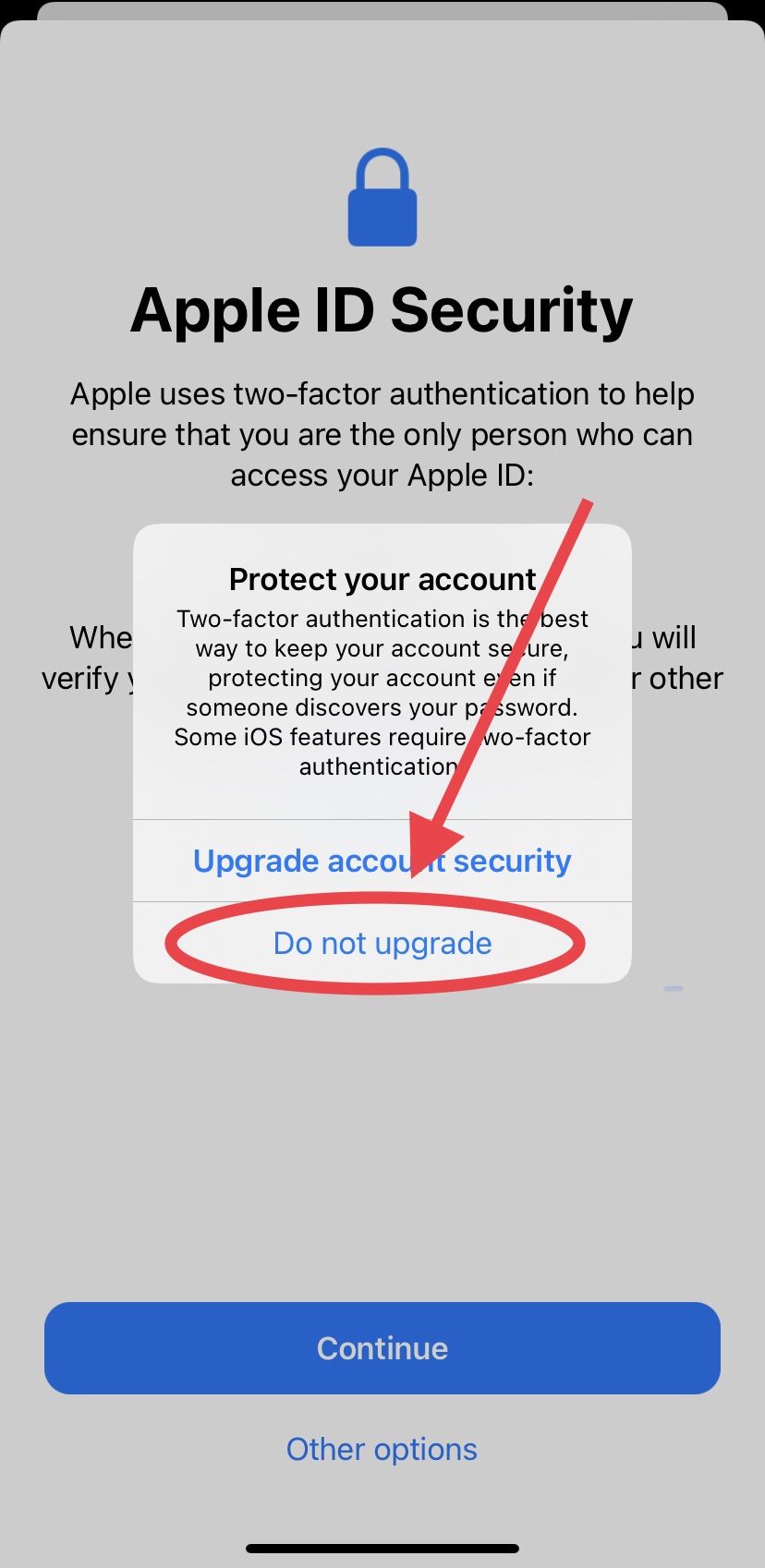
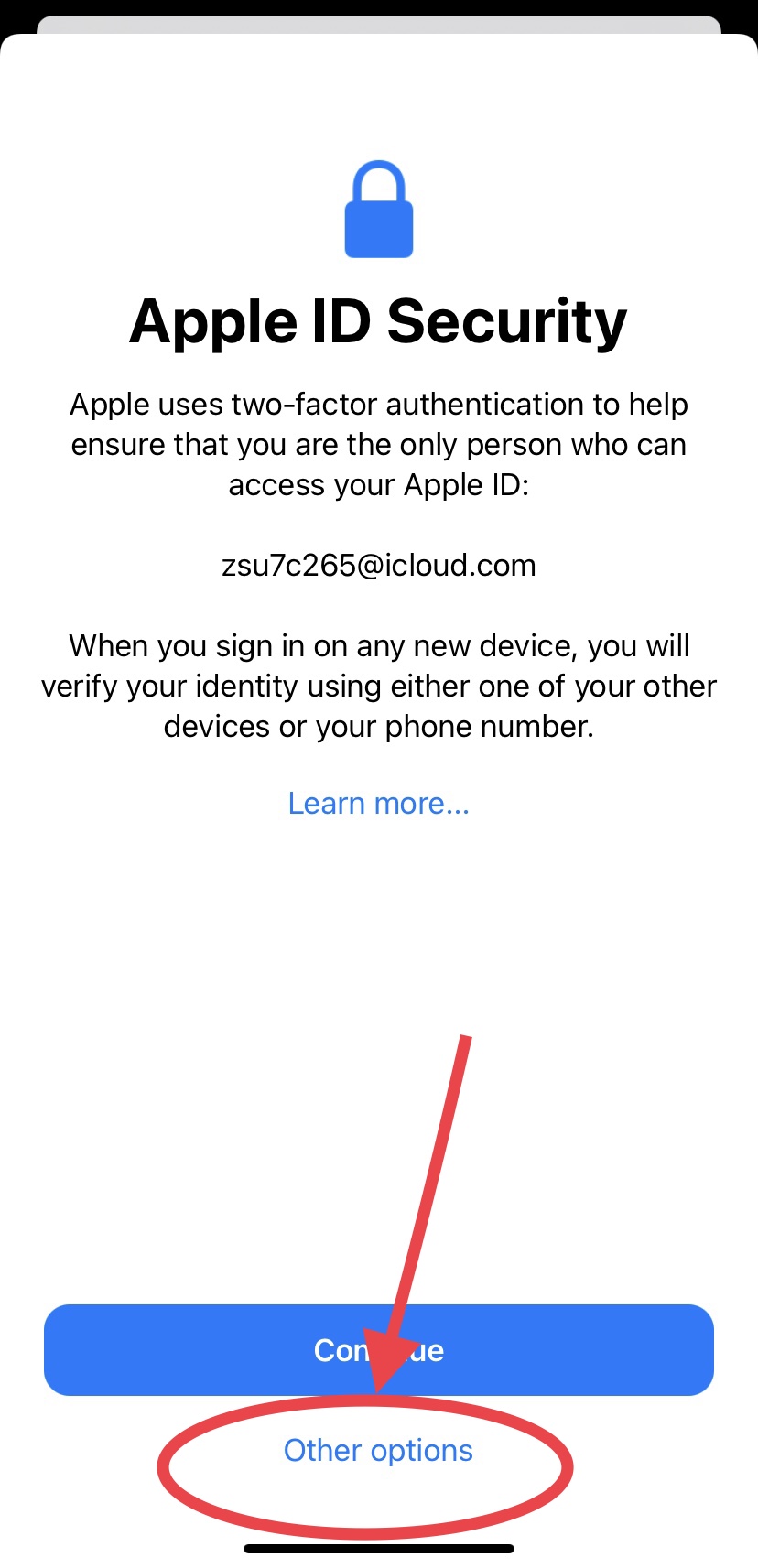
In iOS 14 system, you may face security problems, please follow these steps to solve the problem.,Step 5
After you have logged in, you could search our application: Shadowrocket and download it(see figure 5)
Figure 5: Searching and download Shadowrocket
